
Version Change History
Batch-convert, resize, rename, watermark, and copy images directly in macOS Finder. Files stay on your Mac.
V3.0.1
- Fixed an issue that prevented new Finder Quick Actions from appearing.
V3.0
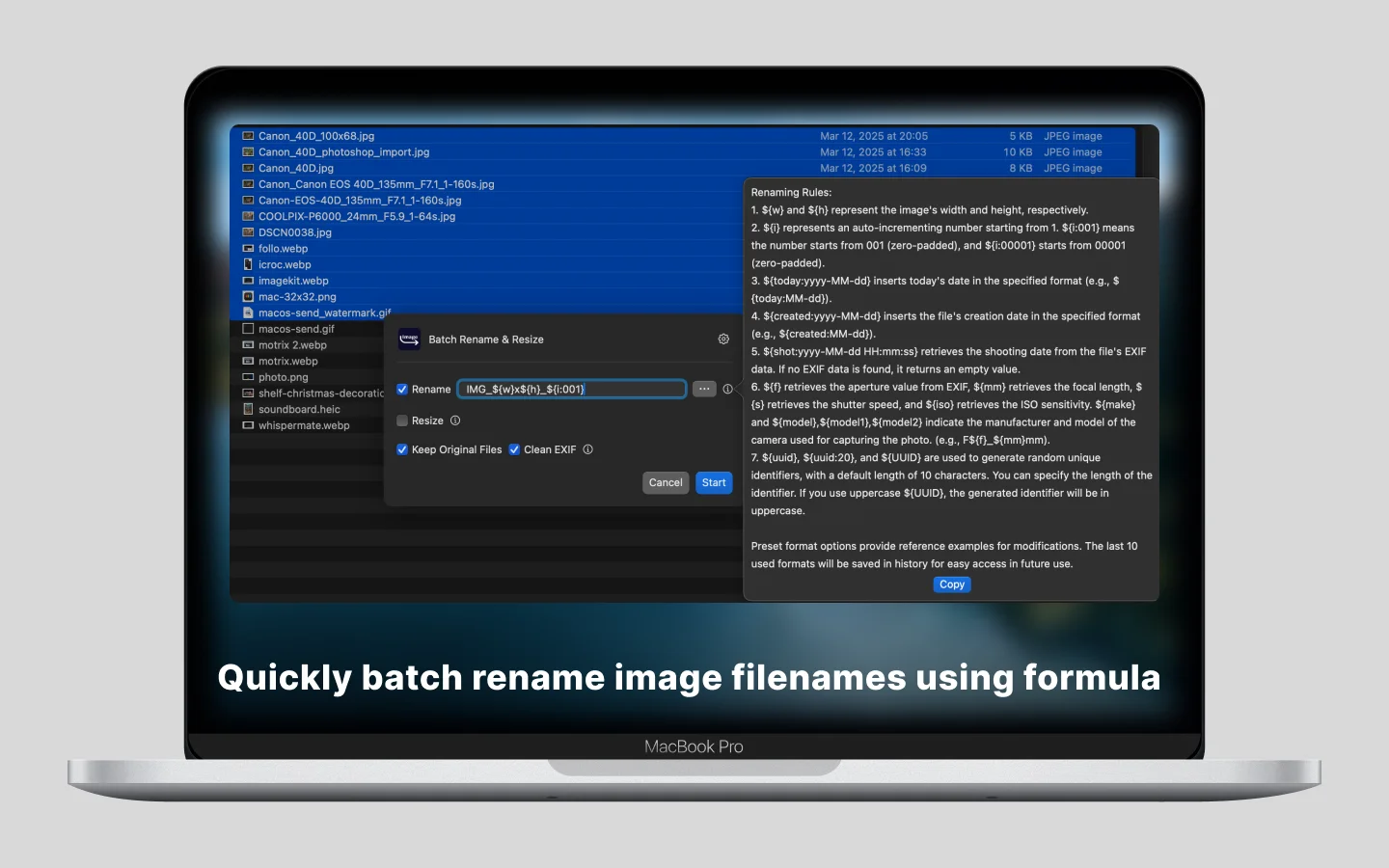
- Batch Rename – Rename images using customizable variables like sequence numbers, creation dates, and image dimensions.
- Batch Resize – Resize images to specific dimensions in one click.
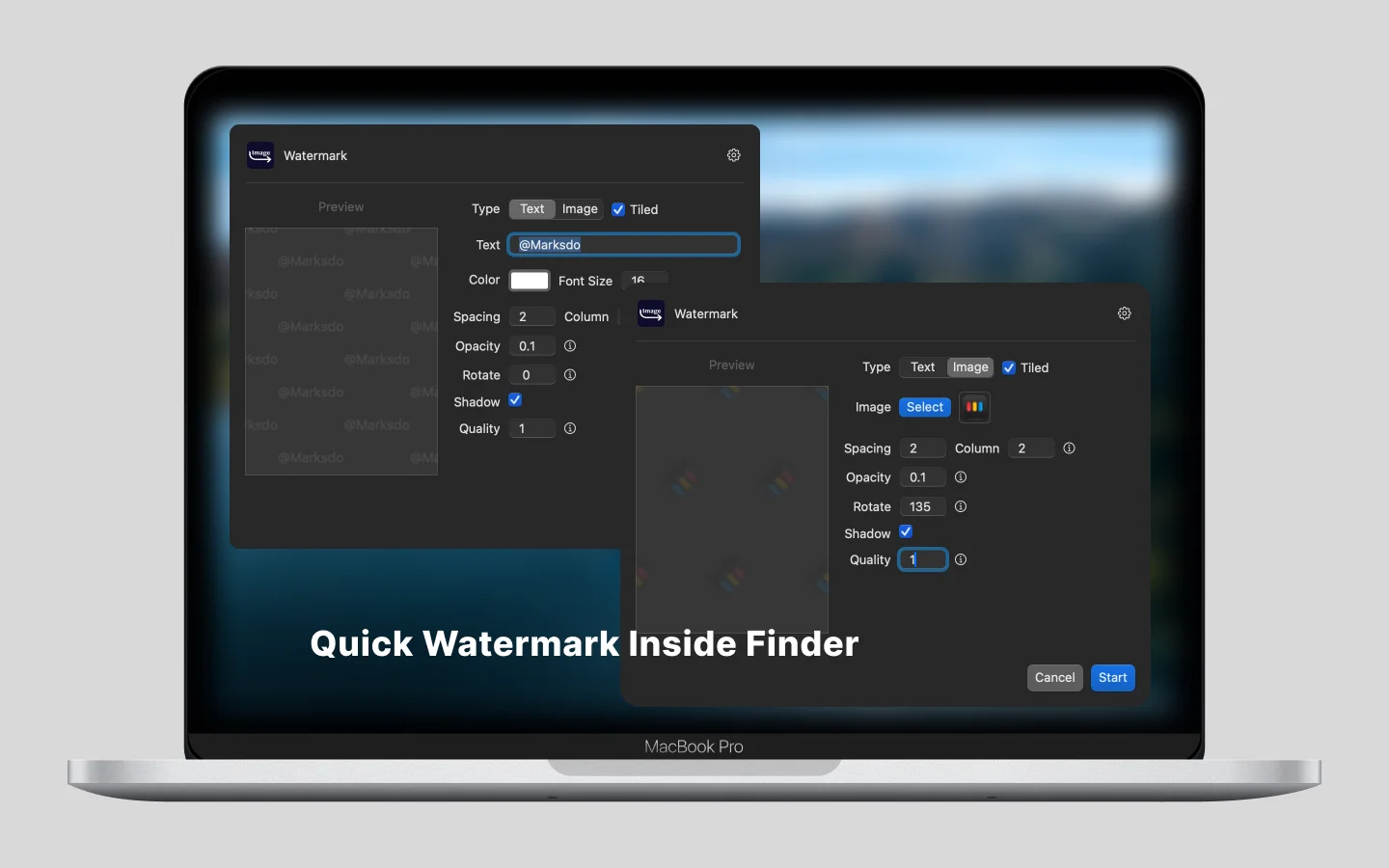
- Batch Watermark – Add watermarks to multiple images effortlessly.
- ZIP
- DMG
V2.2
- Combine convert webp & avif into one Quick Action
- Add convert image to Base64 string Quick Action
- Support AI enhance image quality before convert image format
- Support more languages
V2.1
- Remove firebase analytics
- Bug fixed and Performance improvements.
V2.0.1
- Bug fixed and Performance improvements.
V2.0
- Support convert to .avif format
- Support copy image to clipboard not copy the filename
V1.1
- Support .gif animated images convert to animated webp
V1.0
- Easy batch convert images to .webp format
- Easy batch convert images to .avif format
- Quick action copy image not image file name to system clipboard then quick paste to other application
- Keep privacy, No need to upload any images
Usage:
- Select image(s)
- Right context menu -> Create webp
- Select target quality
- Done